
Google Ads Management, Built Around What People Search
Google Ads rewards structure and punishes neglect. Broad match and automated bidding can spend a day's budget on people who were never going to buy. We build the account the other way around: tight keyword themes, negative lists reviewed every week, Performance Max kept away from junk placements, and conversion data sent from a server so bidding learns from real customers.
Where Google Ads Budget Quietly Disappears
Google's automated defaults are built to spend your budget, and they will find the cheapest clicks available unless someone constrains them. Left alone, smart bidding spreads money across unrelated searches, display placements you never chose, and people who were only looking for your brand name. Pair that spend with organic SEO and the brand terms are already yours before the click is paid for.
Keywords trigger for informational zero-intent searches like "free template", "definition", or competitor login portals due to over-reliance on pure broad matching.
Google auto-allocates spend to spammy mobile gaming apps, MFA (Made-For-Advertising) sites, and worthless YouTube Shorts banner taps without explicit placement exclusions.
Smart Bidding trains on pageviews or spam form submissions instead of closed-won revenue, causing the algorithm to hunt for low-grade leads that never convert to cash.
Proven negative keyword lists block misspellings, unrelated consumer searches, job seekers, and student queries before an auction is entered.
Brand search runs in its own controlled campaigns, with brand terms excluded from Performance Max, so results are measured honestly.
Deal stages and revenue from your CRM are sent back to Google Ads, so bidding aims at customers worth more than clicks alone suggest.
One Campaign Type for Each Stage of the Journey
We do not run a single setup for everything. Each campaign type has one job: capture people ready to buy, protect your brand name, or bring past visitors back.
High-Intent Search & Brand Defense
Core PillarExact and phrase match keywords aimed at people looking for a solution now, with brand terms watched so competitor bidding on your name gets reported and contested.
Managed Performance Max
Kept ControlledUsing Google's machine learning without losing control: separate asset groups, excluded audiences, and spend ceilings enforced by scripts.
Google Local Service Ads (LSA)
Pay Per LeadPay-per-lead ads with Google's local service badge for local service businesses. We handle verification, dispute invalid leads, and keep the profile in good standing.
Shopping & Feed Optimization
E-CommerceProducts grouped by margin and how fast they sell, with feed details cleaned up: titles, identifiers, and custom labels.
YouTube Action Intent Video
Full FunnelVideo campaigns that run for people who recently searched for what you offer, so the ad follows an interest they already showed on Google.
CRM Match & Pipeline Retargeting
RetentionBring back past visitors and people already in your CRM with remarketing lists for search ads, so your brand stays in front of warm contacts.
What We Handle Every Month
We work directly inside your account, not through a reseller layer, and adjustments happen every week instead of being left on autopilot.
Search Term Cleanup
Search queries are mined continuously, and anything that will not convert is added to negative lists before it spends more.
Weekly Bid Modifier Audits
Systematic recalibration across device dimensions, geographic zones, audiences, and hour-of-day multipliers to match actual purchase spikes.
Server-Side Enhanced Conversions
Google Enhanced Conversions configured through Google Tag Manager and a server, so more conversions are recorded when browser settings would block a normal pixel.
Live Reporting Dashboard
A shared dashboard showing cost per acquisition, pipeline value, qualified leads, and return on spend. Every figure comes from the account and your CRM, not screenshots.
How an Account Is Wired
How traffic, filters, and bidding signals move through the account
The 4-Stage Search Sprint Framework
Each stage has one job and its own window: stop the waste first, rebuild the structure, hand bidding to Google's algorithms once the data is clean, then scale what proved itself.
Account Audit & Waste Review
We go through the account's history and stop what is wasting money: unrelated searches, placements that never worked, and broken landing pages.
Structure & Negative Cleanup
The account is rebuilt around single-topic ad groups, our proven negative keyword lists are added, brand and non-brand searches are separated, and the ads are rewritten.
Smart Bidding Calibration
Bidding moves to Target CPA or Target ROAS once conversion data is clean and steady, with value rules set from the revenue that matters to you.
Scale What Proved Itself
Budgets increase only on campaigns that showed a profit, and formats like YouTube and Local Service Ads are tested alongside search without disturbing it.
What an Account Looks Like Before and After
The exact numbers depend on your market and margins, but the pattern of change is consistent. Use the toggle to compare a typical untouched setup with how we would rebuild it.
Conversions are recorded outside the browser, so bidding learns from real leads instead of whatever the pixel caught.
The budget stays on queries that match what you sell, and everything else is excluded before it spends again.
Cost, leads, and closed revenue appear on the same page each month, pulled from the account and your CRM.
Ad blockers and privacy settings hide part of what happened, so the algorithm trains on incomplete data.
Spend flows to unrelated searches, free downloads, job lookups, and competitor names without anyone reviewing the queries.
Platform numbers arrive alone, with nothing next to them from your CRM, so nobody can say what the spend actually produced.
Frequently Asked Questions on Google Ads Management
Straight answers on budgets, bidding timelines, and tracking.
How long before Smart Bidding (Target ROAS/CPA) actually works?
How does Rank First Digital prevent Performance Max from wasting budget?
What minimum monthly ad budget do you require?
Do we own our Google Ads account and historical data?
What is Google Enhanced Conversions (CAPI) and why is it essential?
Case Studies From Live Client Sites
Each study is a client site as it runs today: what the business sells, what the site had to solve, and how search, content and social work together on the same pages.
 E-Commerce and SEO
Fox Valley Paint
A specialty marking paint manufacturer with a wide catalog and several very different buyers. How a clear product journey, helpful content and search visibility work together for a specialty e-commerce brand.
Read the case studyarrow_forward Web Design and SEO
GEO-US
A geothermal contractor with related services and an unfamiliar technology to explain. How a clear structure and plain-language education lead to one consultation path for a technical home-services brand.
Read the case studyarrow_forward Web Design and SEO
HVRub-R-Wall
A Hudson Valley waterproofing franchise with a broad service catalog and a product that is invisible once applied. How one index keeps the catalog clear and plain answers build trust before an estimate.
Read the case studyarrow_forward Website Design and SEO
JMR Custom Homes
A photography-first homepage for a family-run Hudson Valley builder. How the services stay easy to find and the published guides answer what buyers search first.
Read the case studyarrow_forwardNotes on Search, AI Answers and Paid Media
What we are working through on live accounts, written up as it happens: how answer engines pick citations, how tracking holds up, and what we change first.
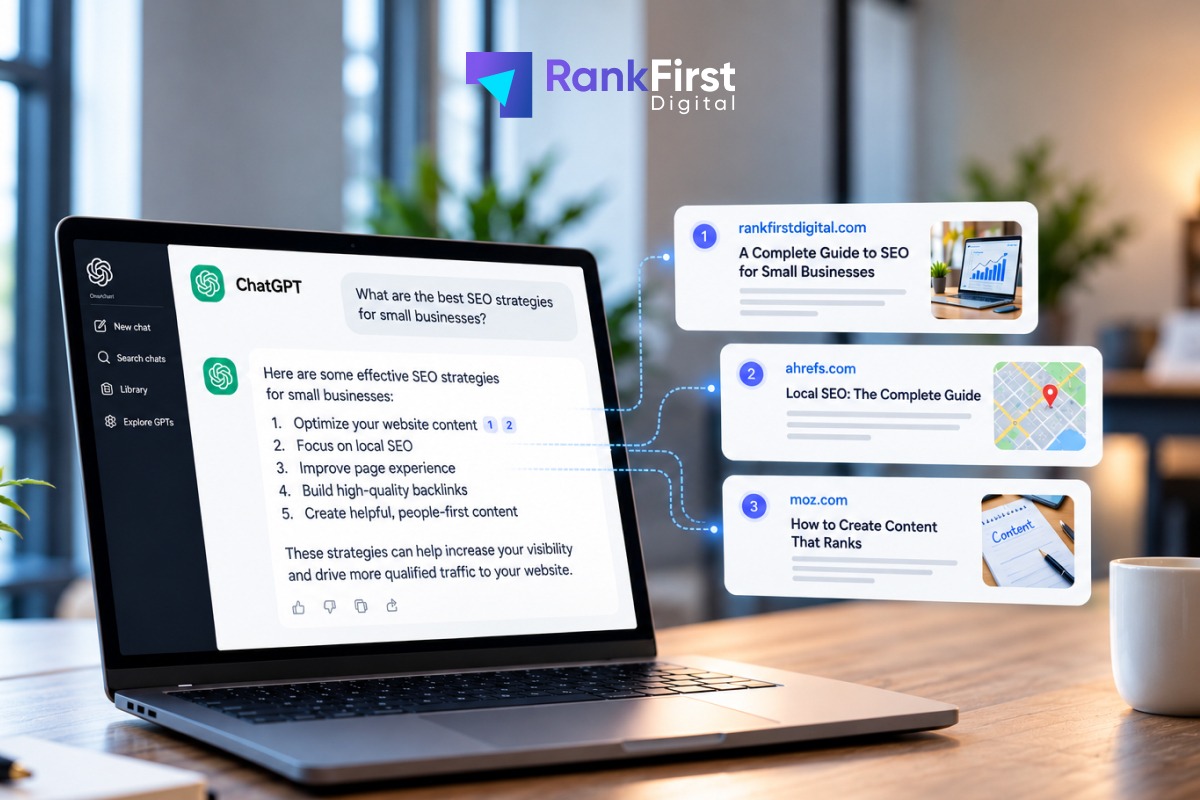
How to Rank in ChatGPT: How Answer Engines Pick What to Cite
ChatGPT has no separate ranking system to game. How answer engines pick what to cite, which crawler controls your appearance, and what to change on the page.
10 min read
Rank First Digital: From 25 Years of Mid-Hudson Web to AI Search Visibility
How a senior-led New York agency grew out of 25 years of web work, why it split from Mid-Hudson Web, and how it is built so businesses rank on Google and get named by AI.
9 min readPrimary Sources
The documentation and public references behind the guidance on this page.
- Google Ads Help: Set up your web conversions: Google's own conversion tracking setup documentation.
- Google Ads Help: Responsive search ad best practices
See What We Would Change in Your Google Ads Account
Send us access or a screenshot of your current account. Within 8 hours you get a written proposal showing where budget is leaking, what structure we would rebuild first, and how results would be reported each month.
Request Your Google Ads Plan
Tell us where to send the review directly from our lead strategists.
Request Received!
A senior strategist will review your site and get back to you within 8 hours.
Related Services
Explore Paid Ads Hubchevron_rightMeta Ads Management
Instagram and Facebook campaigns run on structured creative testing and Advantage+ setups that learn from your customer list.
Paid Ads Hub
See how Google, Meta, and TikTok campaigns are planned, tracked, and reported as one system.
Technical SEO Architecture
Landing pages that load quickly and match what the ad promised, which helps Quality Score and how many visitors convert.